Micro Coaxial Cable factory-(FRS)

How to Crimp Micro Coaxial Cable Connectors: A Step-by-Step Guide - Micro Coaxial Cable factory-(FRS)

Micro Coaxial Cable-Micro Coaxial Cable factory-(FRS)-FRS


INFO

Crimping micro coaxial connectors (like MMCX, MCX, or SMP) is essential for reliable signals in devices such as Wi-Fi routers, drones, GPS units, and smartphones. Proper crimping ensures strong connections without signal loss. Follow these steps for success:

What You’ll Need:

  • Micro coaxial cable (e.g., RG178, RG316)
  • Micro coaxial connectors (match the cable type)
  • Crimping tool (specifically for micro connectors – critical!)
  • Wire stripper (precision type for micro cables)
  • Coaxial cable prep tool or razor blade
  • Magnifying glass or bright light
  • Multimeter (for testing)

Step 1: Prepare the Cable

  • Strip ¼ inch (6mm) of the cable’s outer jacket using a precision stripper. ​Avoid nicking the shield braid!
  • Gently fold back the braided shield over the jacket like a cuff. Keep it neat and untangled.
  • Strip ⅛ inch (3mm) of the inner dielectric to expose the center conductor. Trim any frayed shield wires.

Step 2: Prepare the Connector

  • Slide the connector’s crimp ferrule onto the cable before assembly.
  • Insert the center conductor into the connector pin until it seats fully. If soldering is required (check connector type), apply a tiny amount of solder sparingly.

Step 3: Crimp the Center Conductor

  • Place the connector’s contact pin into the ​inner crimp slot of your tool.
  • Squeeze firmly until the tool stops. Ensure the conductor is secure and centered.

Step 4: Crimp the Outer Shield

  • Slide the ferrule against the folded-back shield.
  • Place the ferrule into the ​outer crimp slot of your tool.
  • Squeeze evenly until fully crimped. The ferrule should compress smoothly without crushing the dielectric.

Step 5: Final Assembly & Testing

  • Slide any remaining connector parts (like housings) into place until they click.
  • Test with a multimeter:
    • Check continuity between center pins (should be near 0Ω).
    • Verify no continuity between center pin and shield (should be infinite resistance).
  • Perform a tug test to ensure no wires slip.
Micro-Coaxial Cables

Key Tips to Avoid Failure:

  • Tool choice is critical: Generic crimpers won’t work. Use a micro-crimp tool (e.g., from IWISS or Engineer).
  • Stripping precision: Nicked braids cause shorts. Use high-quality strippers or practice with scrap cable.
  • Braiding: Keep the shield folded cleanly. Trim any loose strands.
  • Inspect connections: Use magnification to check for stray wires or poor crimps.
  • Practice first: Use spare connectors/cables until confident.

Always prioritize safety: Disconnect devices from power before crimping, and wear eye protection against wire fragments. With practice, you’ll master clean crimps for strong, low-loss connections!

FAQ

NEWS

More Products

Our factory offers high-quality products at competitive prices
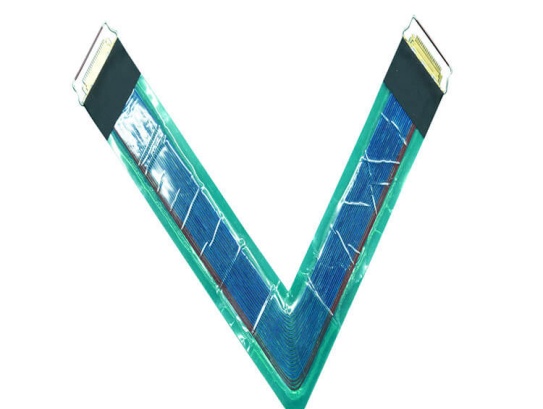
High-Temperature Resistant Micro-Coaxial Cable

High-Temperature Resistant Micro-Coaxial Cable

IntroductionThe ​High-Temperature Resistant Micro-Coaxial Cable is a cutting-edge connectivity solution engineered to deliver exceptional performance in extreme thermal environments. Combining precision engineering with advanced mate.
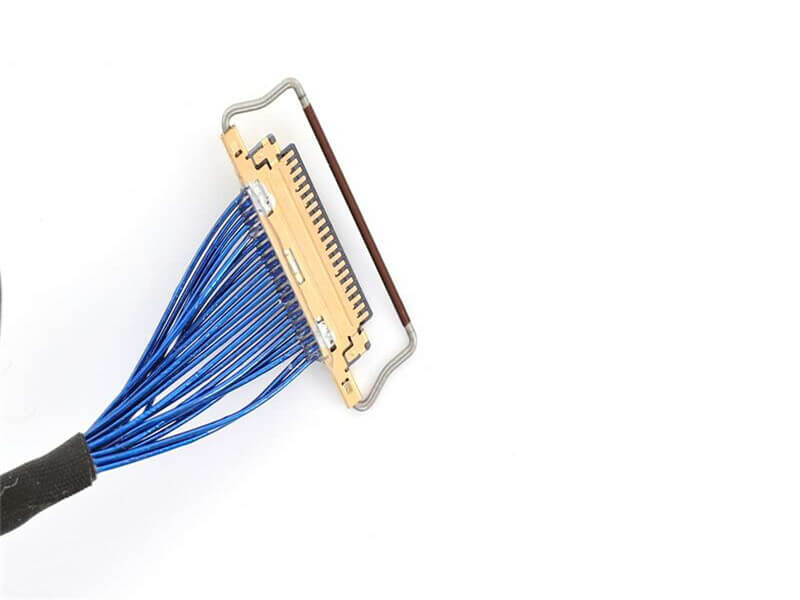
Micro-Coax for HD Video

Micro-Coax for HD Video

OverviewMicro-Coax for HD Video is a cutting-edge coaxial cable engineered to deliver ​uncompromised high-definition video quality across professional and industrial applications. Designed for reliability, precision, and versatility,.

Contact Us

Feel free to reach out to us for any inquiries or orders.

Call Us

Have a question? Give us a call!

+861881875005

Email Us

Send us an email and we'll get back to you soon.

sales@custom-cable-assemblies.com
       
Home Products Contact