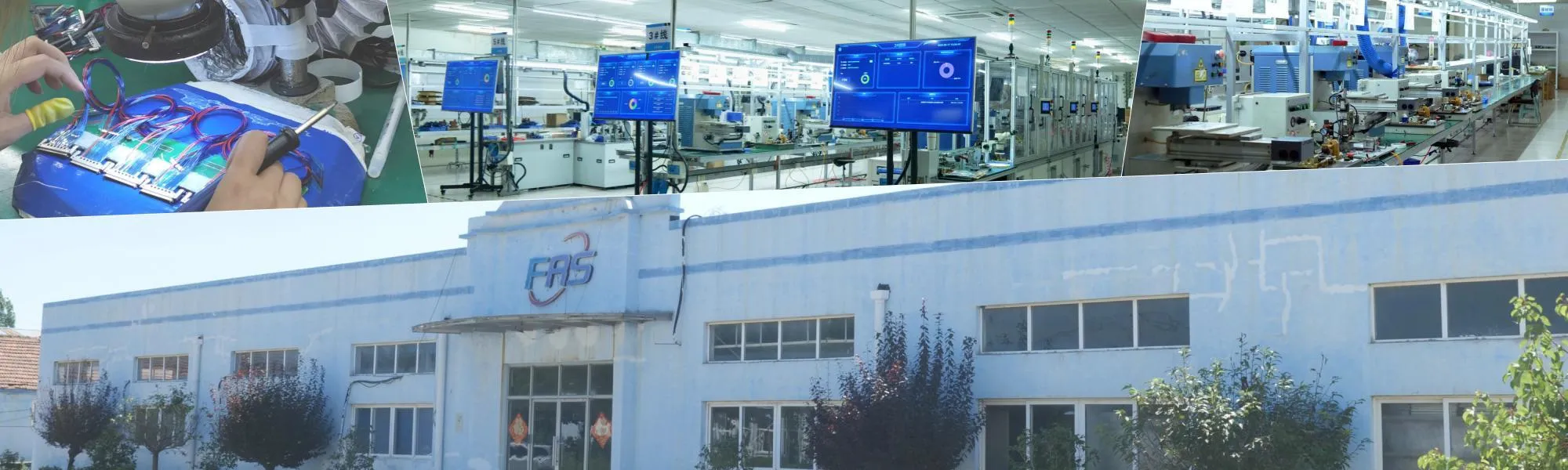
Micro Coaxial Cable factory-(FRS)
Choosing the best micro coaxial cable for 4K/8K displays is not about finding a single “magic” part number. It is about matching the cable’s electrical, mechanical, and system-level characteristics to your display interface, resolution, and device constraints. This guide explains how to evaluate micro coax (micro-coaxial) cables for 4K/8K applications, compares common options, and provides a practical selection checklist you can use today.
4K and 8K displays demand significantly higher bandwidth than legacy screens. For example, 4K at 60 Hz with 24-bit color requires about 12 Gbps, while 8K at 60 Hz can exceed 48 Gbps. To carry these signals reliably—especially over short, internal connections inside laptops, tablets, VR headsets, and medical monitors—designers often use micro coaxial cable assemblies.
Micro coax cables offer:
These traits make micro coax a preferred choice for internal display links such as eDP, LVDS, and some MIPI DSI implementations in high-resolution systems .
When comparing micro coax cables for 4K/8K, focus on these core specifications:
| Cable Type | Best Use Case | Pros | Cons |
|---|---|---|---|
| Micro Coax | Internal 4K/8K display links (eDP, LVDS, MIPI DSI) | High bandwidth, excellent shielding, small size, flexible | More complex to terminate, can be costlier than FPC |
| FPC/FFC | Lower-speed internal connections | Thin, inexpensive, easy to route | Poor high-frequency performance, limited shielding |
| Standard HDMI/DP Cable | External monitor connections | Standardized, plug-and-play | Too large for internal routing, over-specified for short links |
Conclusion:For internal 4K/8K display connections where space is tight and signal integrity is critical, micro coax is often the superior choice.
Follow these steps to select the right cable:
Q1: Can 48 AWG micro coax really handle 8K?
A: Yes, for short-reach internal links (e.g., < 300 mm) when the protocol data rate per lane is within the cable’s frequency capability. System-level testing is essential .
Q2: Is micro coax better than FPC for 4K displays?
A: For high-speed interfaces like eDP and MIPI DSI, micro coax generally offers better signal integrity due to controlled impedance and superior shielding .
Q3: How many flex cycles should I specify?
A: For laptop hinges, 10,000–20,000 cycles is a common minimum. For wearables or foldable devices, specify 100,000+ cycles with a qualified cable and strain-relief design .
Q4: Do I need expensive connectors?
A: You need connectors designed for high-speed differential signals that match your cable’s impedance. Many off-the-shelf connectors from vendors like I-PEX or Hirose are suitable .
The “best” micro coaxial cable for a 4K/8K display is the one that meets your specific electrical, mechanical, and cost requirements. Start by defining your data rate, length, and environmental needs. Then, shortlist cable constructions that match your impedance and frequency targets. Finally, validate your top choices with real hardware testing.
If you need help selecting a cable for your display project, prepare your interface type, resolution, cable length, and connector pitch, and share those details with a qualified cable assembly supplier to get tailored recommendations.
Our factory offers high-quality products at competitive prices
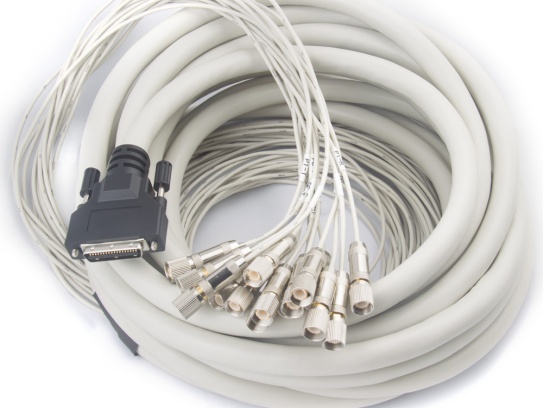
Meta Description: Discover our premium Flexible Micro-Coaxial Assemblies—engineered for high-frequency signal integrity, durability, and versatility in aerospace, medical, telecom, and robotics applications. What Are Flexible .
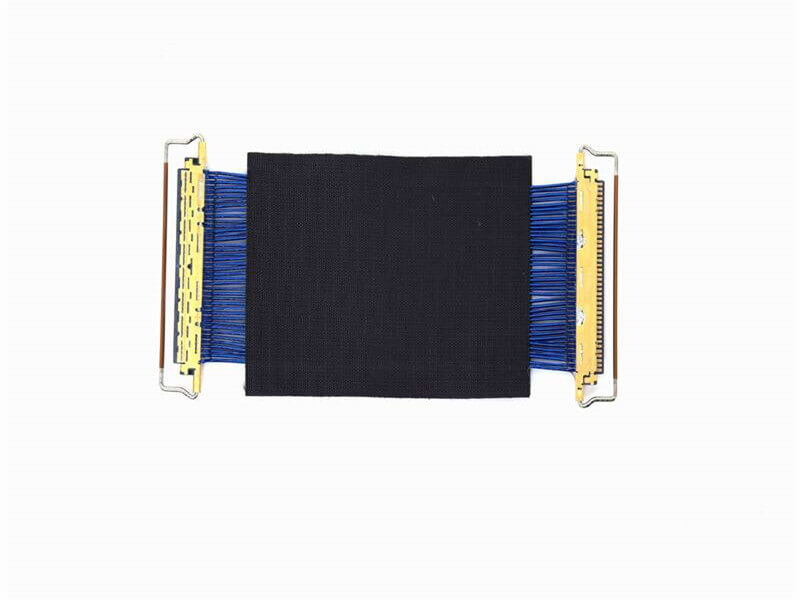
Micro Coaxial Cable: High-Quality Solutions for Precision Applications Micro coaxial cables are essential components in high-performance electronic applications, providing reliable signal transmission in compact and flexible designs. A.
Feel free to reach out to us for any inquiries or orders