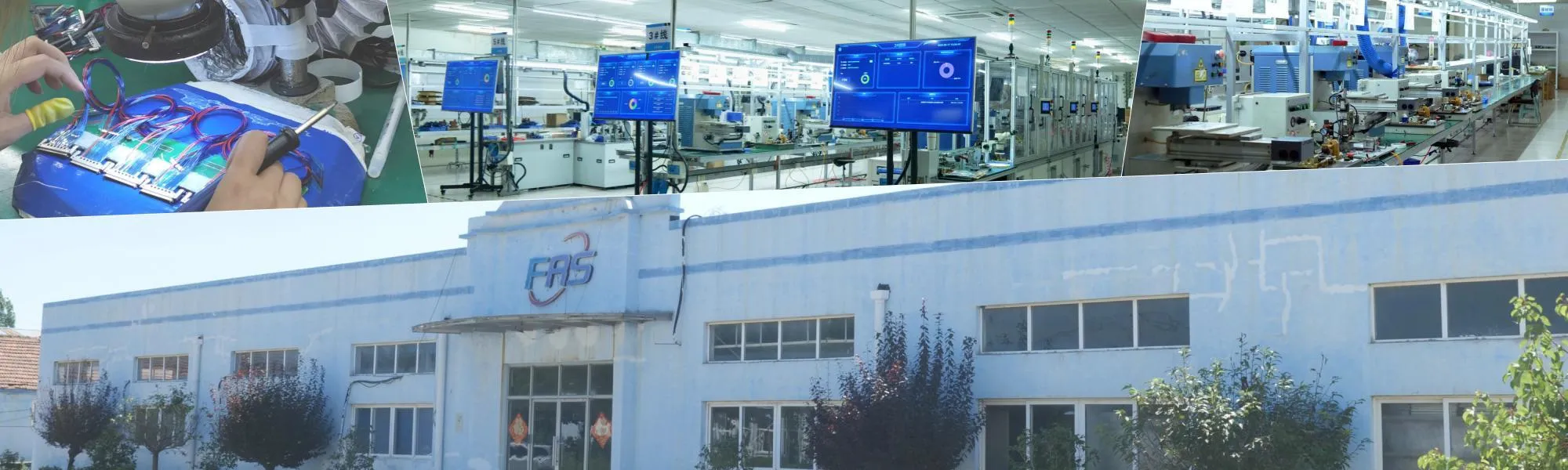
Micro Coaxial Cable factory-(FRS)

Why Micro Coaxial Cable is Critical for Laptop Camera Modules - Micro Coaxial Cable factory-(FRS)

Micro Coaxial Cable factory-(FRS)


INFO

In modern laptop camera modules, the micro coaxial cableis the vital link for transmitting high-speed image data (MIPI CSI-2) from the sensor to the motherboard. As resolutions increase to 4K/8K and frame rates climb to 60/120fps, the signal integrity of this tiny cable is paramount.

Key Challenges:

  • Signal Loss:Excessive cable length or poor impedance control can cause attenuation and reflection, leading to image artifacts like flickering, stripes, or color shifts.
  • EMI/EMC:The confined space inside a laptop is rich in high-speed digital noise. Without proper shielding, interference can disrupt the camera signal.
  • Mechanical Stress:The cable must endure repeated opening and closing of the laptop lid, demanding excellent flexibility and fatigue resistance.

For B2B buyers, the right micro coaxial cableis not just a component; it’s a guarantee of image quality, compliance, and long-term reliability.


🔬 Anatomy of a Micro Coaxial Cable

A typical micro coaxial cablefor laptop camera modules features a precise, multi-layered structure, often with an outer diameter (OD) between 0.2 mm and 0.5 mm.

  1. Center Conductor:Made of high-conductivity copper or silver-plated copper. Finer conductors (e.g., AWG 40–42) reduce resistance but require careful handling to maintain flexibility.
  2. Insulation (Dielectric):Usually FEP, PFA, or PEEK. These low-dielectric-constant materials minimize signal delay and loss.
  3. Shielding Layer:A combination of braided copper and aluminum foil provides 360° shielding to suppress EMI/RFI. The shielding effectiveness and coverage are critical for signal integrity.
  4. Outer Jacket:Typically TPU, TPE, PVC, or fluoropolymers. It provides mechanical protection, chemical resistance, and determines the cable’s flexibility and bend life.

Key Parameters for Laptop Camera Modules

When selecting a micro coaxial cable, align these parameters with your laptop camera module’s specifications.

ParameterTypical Range / OptionsWhy It Matters
Impedance50 Ω (most common for MIPI)Mismatched impedance causes signal reflections, leading to image artifacts.
Frequency / Data Rate1–10+ Gbps per laneMust support the MIPI CSI-2 data rate for your resolution and frame rate (e.g., 4K60 requires high-speed lanes).
Conductor Size (AWG)AWG 38–46Smaller AWG (e.g., 40–42) offers flexibility but has higher resistance. Balance is key.
Cable OD0.2–0.5 mmMust fit the mechanical design, especially the hinge area, while maintaining performance.
ShieldingBraid + foil, high coverageEssential for EMI immunity in the noisy laptop environment.
Bend Radius≥3x cable OD (static), higher for dynamicPrevents shield and conductor damage during lid movement.
Insertion / Return LossSpecified by vendor (dB @ GHz)Directly correlates to signal quality and potential image issues.
Operating Temp0 to +70 °C (consumer), -40 to +85 °C (industrial)Must withstand the laptop’s internal temperature range.
ComplianceRoHS, REACH, ULRequired for global B2B customers and brand compliance.

Matching Cables with Common Laptop Camera Connectors

The micro coaxial cablemust be paired with the correct connector. Mismatched pairs can ruin signal integrity, regardless of the cable’s quality.

  • I-PEX (Molex):Widely used in ultra-thin laptops.
    • CABLINE-SS:Very low profile (e.g., 1.65–1.85 mm height), ideal for tight spaces.
    • MHF / MHF4:Common for board-to-board or FPC-to-board connections.
    • 20454 / 20373 Series:Frequently used for camera and display links.
  • Hirose:Known for high-reliability micro-coax connectors like the DF36 and DF81 series.
  • JAE:Offers compact connectors such as the FI-R and FI-X series for high-speed internal links.

Pro Tip:Always request the recommended pairingfrom your connector vendor and have your cable supplier test the complete assembly.


Practical Tips for B2B Buyers

  1. Start with the Module Datasheet:Define the required data rate, number of lanes, and impedance before contacting a supplier.
  2. Provide a 3D Model:Sharing the mechanical layout (especially the hinge area) helps the supplier suggest the best cable routing and connector orientation early on.
  3. Request a Test Board:Before mass production, test the proposed micro coaxial cableassembly with your actual camera module and PCB to check for EMI and image quality.
  4. Clarify the Assembly:Specify if you need a simple cable, a cable with connectors, or a complete harness with strain relief and labeling.
  5. Plan for Compliance:Ensure the cable meets RoHS/REACH standards and request test reports for quality control and traceability.
  6. Consider a Second Source:For high-volume projects, qualifying a second supplier can mitigate supply chain risks.

Common Pitfalls to Avoid

  • Treating All Micro-Coax Cables as Identical:Performance varies significantly between brands and constructions. Don’t rely solely on the OD.
  • Ignoring Impedance Continuity:A perfect cable is useless if the connector, PCB pad, or via has a different impedance.
  • Over-Bending the Cable:Excessive bending during assembly or use can damage the shielding and conductors, causing intermittent failures.
  • Underestimating EMI:Inadequate shielding can lead to EMI test failures and unstable camera performance in the field.
  • Skipping Signal Integrity Validation:Always test the final assembly. Don’t assume a “pass” on paper guarantees a good image.

Quick Selection Checklist

Use this as a pre-order checklist for your next micro coaxial cableproject:

  • [ ] Camera module datasheet reviewed (resolution, frame rate, MIPI lanes).
  • [ ] Data rate and impedance requirements confirmed (typically 50 Ω).
  • [ ] Connector series and part numbers finalized (I-PEX, Hirose, JAE, etc.).
  • [ ] Mechanical constraints checked (OD, bend radius, routing path).
  • [ ] Environmental requirements specified (temp range, durability).
  • [ ] Compliance requirements confirmed (RoHS, REACH, UL).
  • [ ] Prototype sample ordered and tested with your module and PCB.
  • [ ] Second source supplier identified for volume production.

Professional Summary

For laptop camera modules, the micro coaxial cableis a mission-critical component where electrical performance, mechanical durability, and EMI resilience must be addressed in unison. Unlike generic cable types, its success is determined by a system-level approach: the synergy between the cable, connector, PCB layout, and mechanical design.

For B2B buyers, the most reliable strategy is to begin with a detailed technical brief, validate the complete micro coaxial cable assemblyearly with prototypes, and select suppliers who provide not just samples, but also application-specific test data and engineering support. This approach minimizes costly redesigns and ensures a robust, high-yield product for your laptop camera module program.

FAQ

NEWS

More Products

Our factory offers high-quality products at competitive prices
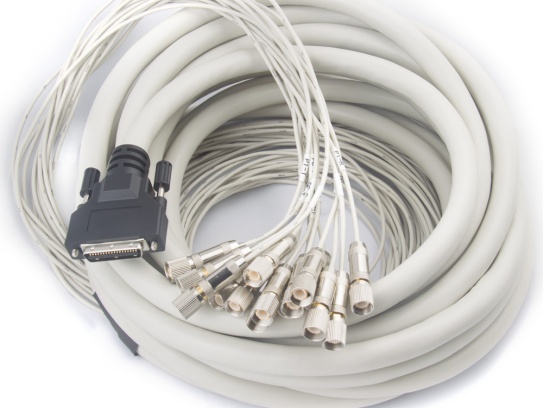
Flexible Micro-Coaxial Assemblies

Flexible Micro-Coaxial Assemblies

Meta Description: Discover our premium Flexible Micro-Coaxial Assemblies—engineered for high-frequency signal integrity, durability, and versatility in aerospace, medical, telecom, and robotics applications. What Are Flexible .
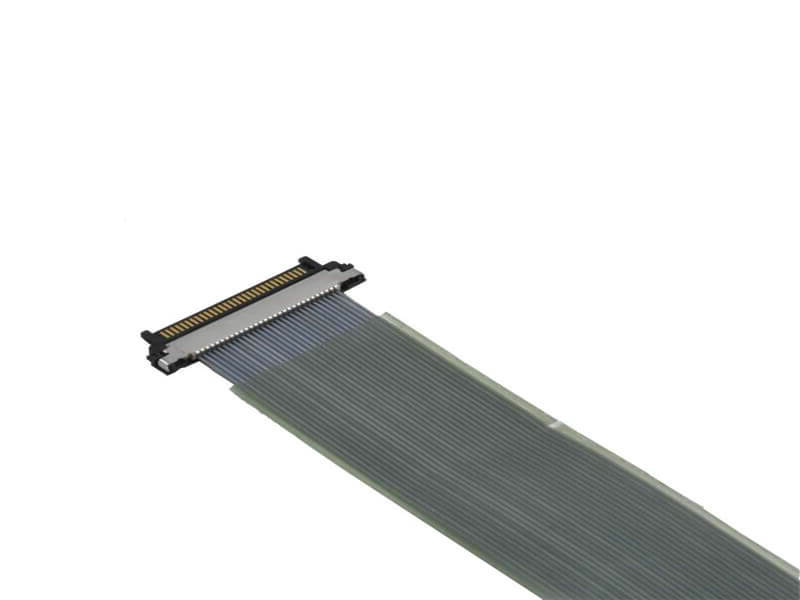
KEL Micro Coaxial Cable

KEL Micro Coaxial Cable

KEL’s Micro Coaxial Cable solutions are at the forefront of modern electronic connectivity, offering exceptional performance in high-speed data transmission, miniaturization, and reliability. These connectors are integral to various.

Contact Us Micro Coaxial Cable factory-(FRS).


Feel free to reach out to us for any inquiries or orders

Call Us

Have a question? Give us a call!

+8618818785005

Email Us

Send us an email and we'll get back to you soon.

sales@custom-cable-assemblies.com
       
Home Products Contact